| Form Factor | Junction box |
| Brand | UNITED DIGITAL |
| Model | TR-JB12 |
| Manufacturer Part Number | TR-JB12-IN |
| Shipping Weight | 5.40 lb |
Business account holders on Surveillance Cameras typically save 38% vs. retail pricing. Create a free account to see your price.
TR-JB12 names the junction-box model, while TR-JB12-IN is the ordering code for that same product. Use TR-JB12-IN when placing an order and TR-JB12 when matching the model designation to installation planning or product references.
It provides an enclosed area at a surveillance-camera mounting location for routing and managing cable terminations. The junction-box format helps keep connection leads contained behind or beneath the camera assembly instead of exposing them around the mounting surface.
A camera junction box is used at mounting surfaces where cabling reaches the camera location, including walls, ceilings, and soffits. Check the camera mounting interface, cable-entry direction, available mounting area, and the conditions at the installation location before installation.
Check that the camera and mounting arrangement require the TR-JB12 junction-box format. Review the camera mounting pattern, cable-routing path, connector space, mounting-surface condition, and installation environment so the enclosure fits the planned camera assembly.
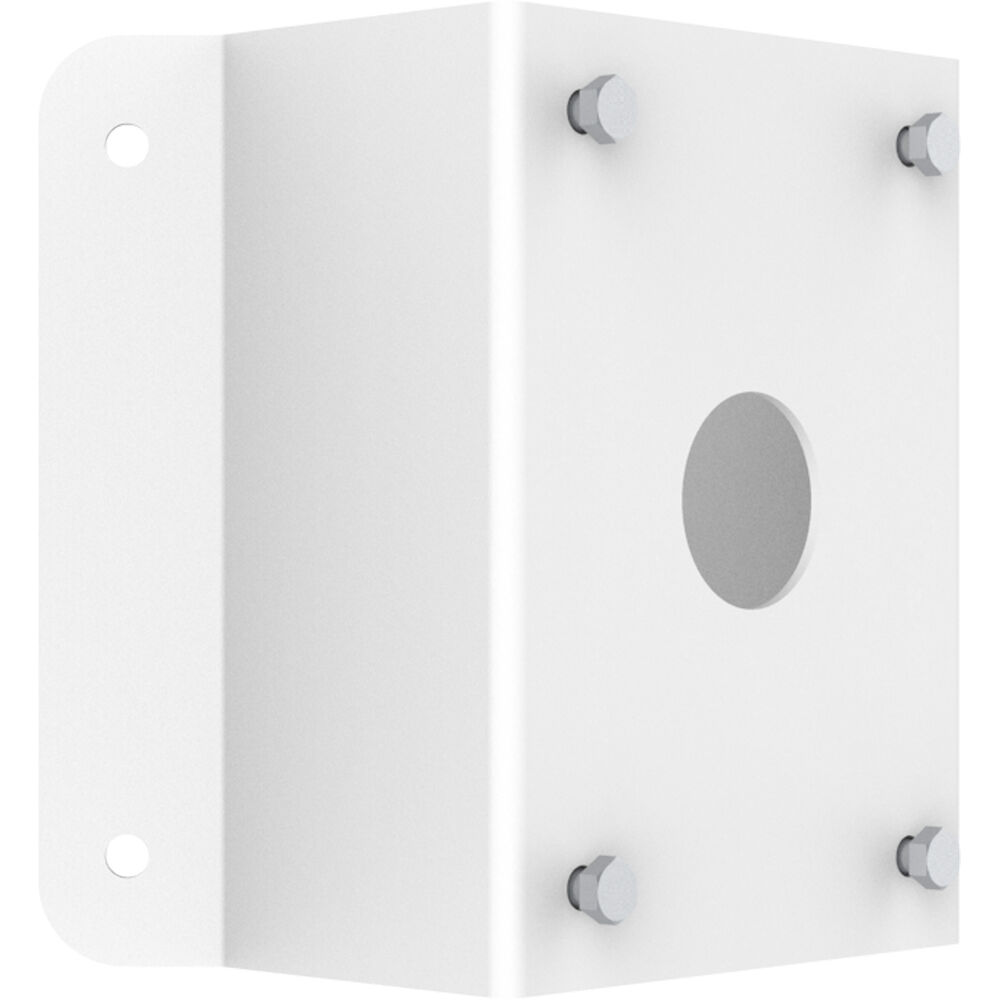
UNITED DIGITAL · TR-UC08-A-IN
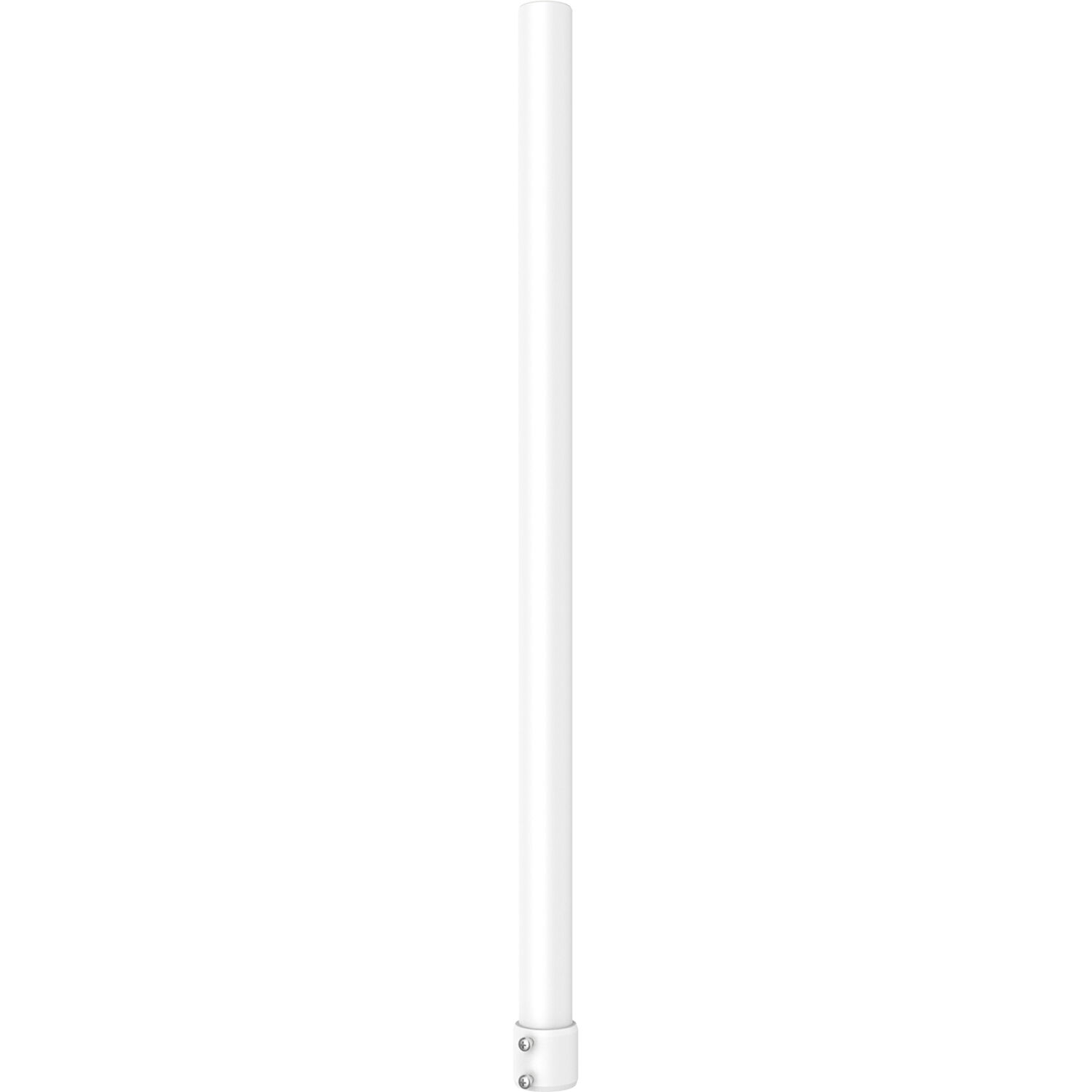
UNITED DIGITAL · TR-SE24-A-IN
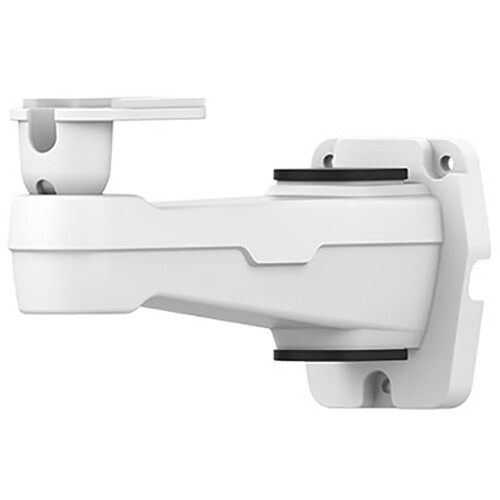
UNITED DIGITAL · TR-WM06-C-IN
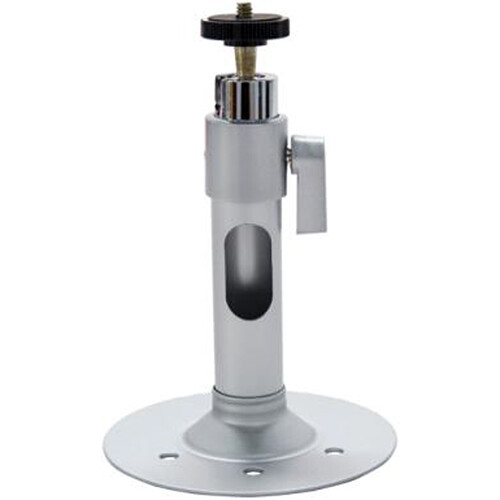
UNITED DIGITAL · TR-UM06-A-IN
UNITED DIGITAL · TR-JB04-C-IN
Exclusive pricing and Net-30 terms. Sign in or create a free account.
Create Free Business Account