| USB-C Power Delivery Passthrough | Up to 140 W USB-C Power Delivery passthrough |
| Maximum Refresh Rate | Up to 60 Hz |
| Video Output Options | HDMI or USB-C video |
| Maximum Display Resolution | Up to 4K |
| Maximum Supported Displays | Up to 2 displays |
| MacOS Dual-Display Support | Dual displays without drivers or software |
| Apple Silicon Requirement For Dual Displays | M1, M2, and M3 require Pro or Max for dual displays |
| Shipping Weight | 0.48 lb |
| USB-A Ports | 2 x USB-A |
| USB-C Ports | 2 x USB-C |
| Maximum USB Data Rate | Up to 10 Gbps |
| USB-C Video Port Data Support | USB-C video port supports up to 10 Gbps data |
| UPC | 065030932110 |
Business account holders on USB-C Adapters typically save 29% vs. retail pricing. Create a free account to see your price.
Confirm that the host computer supports USB4 and that the deployment requires up to two 4K 60 Hz displays, four USB peripheral connections, and USB-C Power Delivery passthrough up to 140 W. For macOS dual displays, verify the processor configuration.
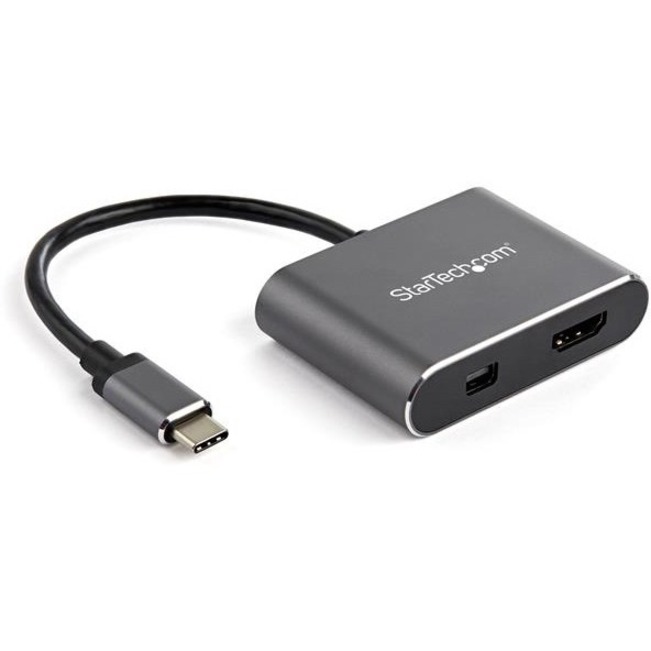
The hub supports up to two 4K displays at 60 Hz through native video output. Display connections can use HDMI or USB-C video. Actual dual-display operation depends on the connected computer and operating system support.
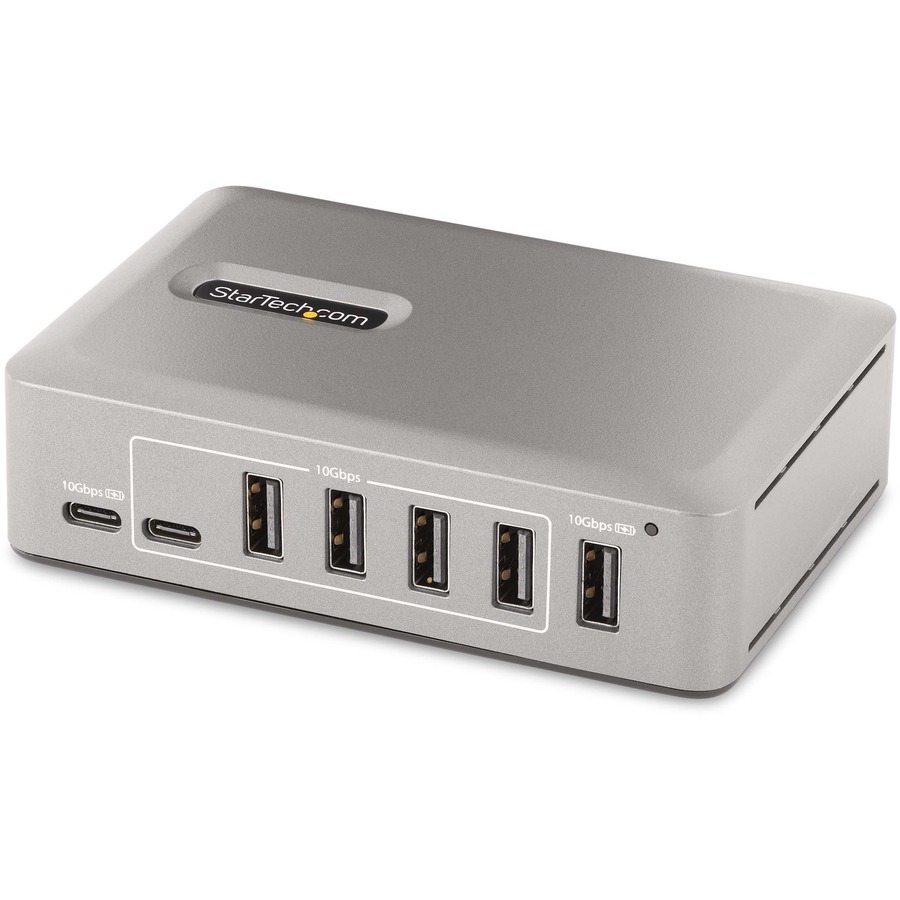
Two USB-C ports and two USB-A ports are available, with data transfer rates up to 10 Gbps. The USB-C video port can also support up to 10 Gbps data, allowing that connection to serve a display or peripheral role.
Yes, supported macOS systems can run dual displays without drivers or additional software. Apple systems with M1, M2, or M3 processors require a Pro or Max configuration for dual-display operation through this hub.
StarTech · 10G8A2CS-USB-C-HUB
 Save 21%
StarTech · CDP2HDMDP
 Save 22%
StarTech · PEXUSB312C3
 Save 23%
StarTech · MST14CD122DP
 Save 22%
StarTech · HB30C3AGEPD
Exclusive pricing and Net-30 terms. Sign in or create a free account.
Create Free Business Account