Exclusive pricing and Net-30 terms. Sign in or create a free account.
Create Free Business Account| Docking Max Displays | 1 |
| Docking Interface Type | USB-C (DisplayPort Alt Mode) |
| Docking Max Resolution | 4,096 x 2,160 |
| Docking Display Outputs | Single 4K external display via USB‑C |
| Docking Power Delivery Watts | 85 W |
| Docking Usb C Ports | 1 |
Business account holders on Docking Stations & USB Hubs typically save 22% vs. retail pricing. Create a free account to see your price.
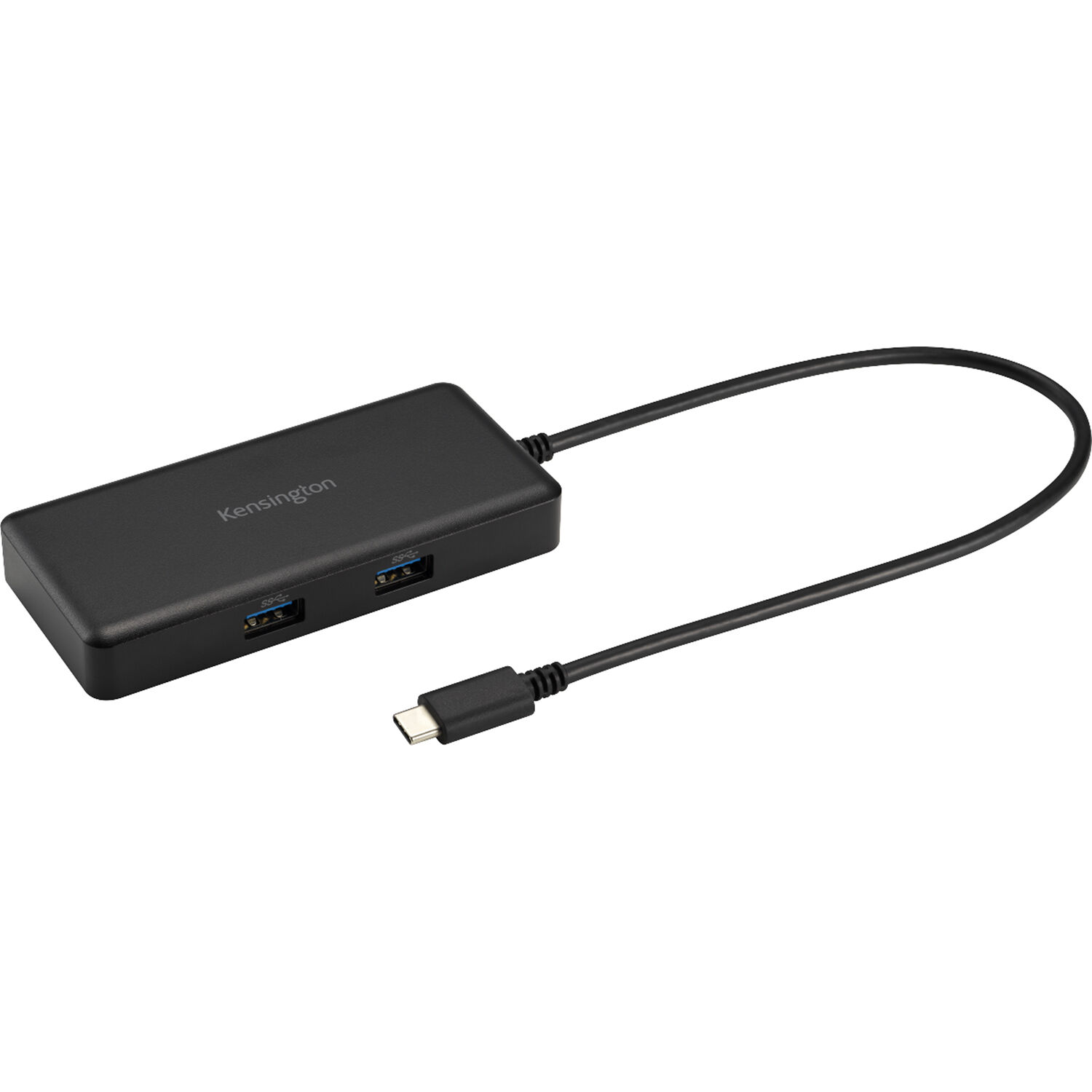
The dock requires a host that supports USB‑C DisplayPort Alt Mode and accepts up to 85 W PD. Many Windows laptops and Chromebooks conform; macOS compatibility varies—verify your Mac’s PD and Alt Mode support before purchase.
Connector types can vary by configuration. Confirm the exact output (HDMI or DisplayPort) with your reseller and use appropriate adapters if needed.
The G1000P supplies up to 85 W pass‑through. Most 15‑inch laptops draw less than this; some 17‑inch mobile workstations may require more. Check your laptop’s maximum PD input to confirm suitability.
Most modern Chrome and Windows systems with native DisplayPort Alt Mode support do not require additional drivers. For specific OS or older systems, consult Kensington’s documentation or your IT support for driver requirements.
 Save 36%
Kensington · K33821NA-KIT
Kensington · K33558NA
Kensington · K33611NA
 Save 27%
Kensington · K32850WW
 Save 81%
Kensington · K38365WW